
Imagine a business that supplies and installs equipment for commercial customers. Once a quote is accepted, the job moves through a site survey, drawing approval, deposit payment, ordering, installation and final sign-off. The customer wants to know whether the survey has been booked, whether the drawing they returned has been accepted and whether the installation date is still secure.
None of those questions is difficult, but the answers are spread across a project board, an inbox, a document folder and the knowledge of the person running the job. A member of staff has to check each place, work out what the latest update means and write a reply that makes sense to the customer. If the business handles dozens of live jobs, routine updates consume a meaningful part of the week even when every job is progressing normally.
This is the kind of work a customer portal should remove. Its value comes from giving a reliable answer without asking a member of staff to reconstruct the job each time, while making the genuinely unusual cases more visible to the team.
Begin With One Journey That Creates Repeated Chasing
The starting point is the trail of emails and calls around a live job. In the installation example, customers repeatedly ask about four things: whether the business has received something, whether somebody has approved it, what will happen next and whether an agreed date has changed. Those questions show exactly where the service becomes difficult to see from outside.
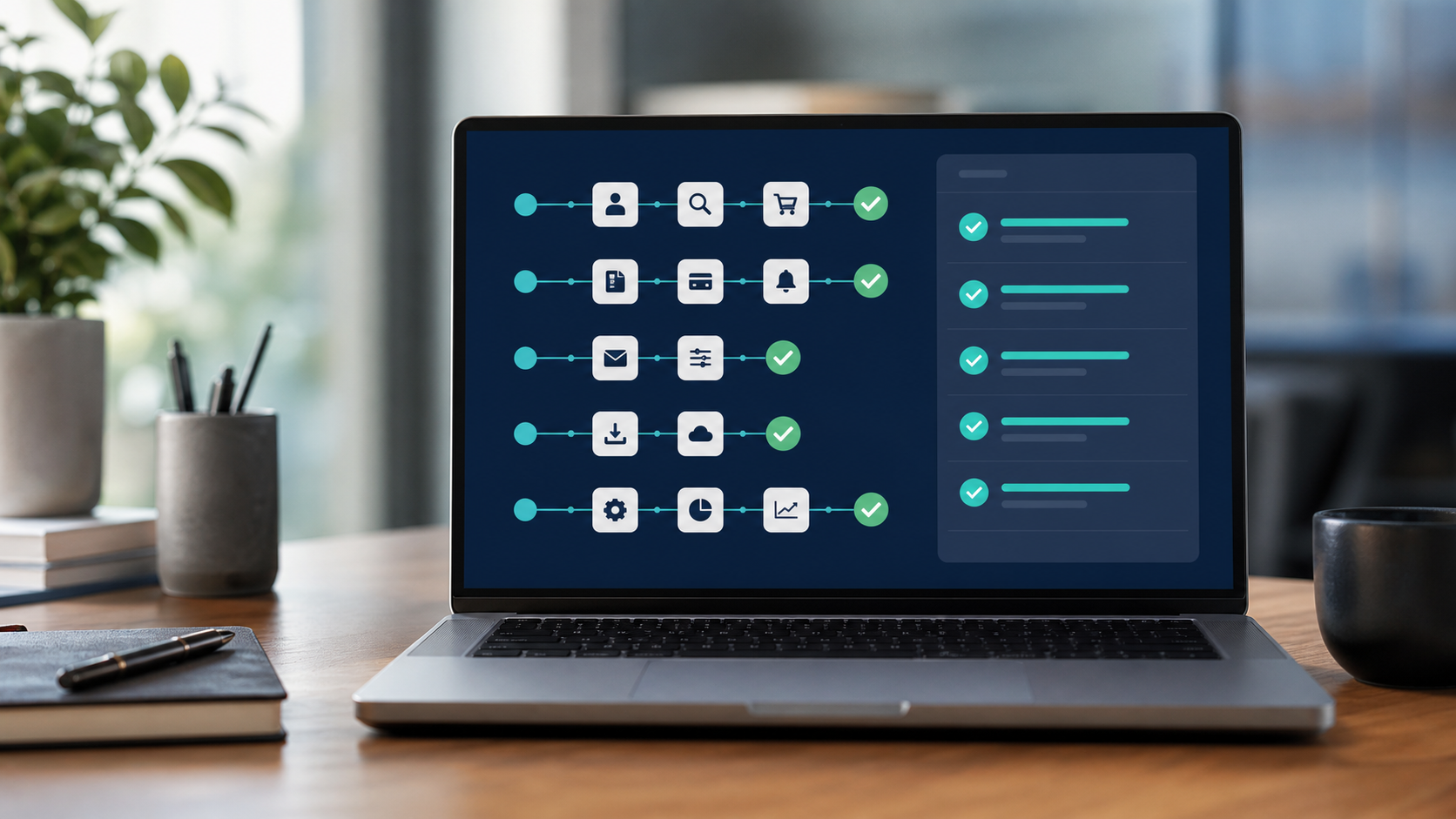
A focused first release could cover the period between an accepted quote and a confirmed installation. The customer would see that the site survey is booked, the drawing is waiting for their approval, the deposit has been received and the installation slot is confirmed. They could open the current drawing, upload the signed copy and see a clear acknowledgement that it reached the job record.
That scope is deliberately narrow, but it completes a real piece of the service. It is more valuable than launching a larger account area containing a profile page, a generic document library and a status label that staff still have to maintain separately.
Turn Internal Activity Into Answers a Customer Can Use
Internal systems are usually written for the people doing the work. A project board might contain stages such as “technical review”, “procurement hold” or “awaiting PM validation”. Copying those labels into a portal gives the customer access to the business vocabulary without explaining what it means for their job.
Each customer-facing update needs to answer three practical points together: what has happened, whether the customer needs to do anything and what should happen next. “Drawing under review” becomes useful when it explains that the revised drawing was received on Tuesday, the technical team is checking it and no customer action is currently required. If the normal review period is three working days, showing that expectation prevents a routine enquiry without making a promise the team cannot keep.
Dates need the same care. A progress bar showing that a job is seventy per cent complete creates a sense of precision without helping the customer plan. A confirmed installation date, the condition that could change it and the time of the last update are much more useful. The portal should provide enough context for the customer to decide whether to wait, supply information or contact the team.
Connect the Portal to Where the Job Is Actually Managed
The status cannot depend on somebody finishing work in the project system and then remembering to update a separate customer screen. That creates two versions of the job, and the customer-facing version will eventually fall behind during a busy period.
In this example, the project board might remain the place where staff manage surveys, approvals and installation dates, while the finance system remains responsible for confirming the deposit. The portal can combine a carefully selected part of both records and present it in customer language. Staff continue working in the systems they already rely on, and the customer view changes when the underlying job changes.
The connection also needs to work in the other direction. When the customer uploads a signed drawing, it should be attached to the correct job, marked with the time it arrived and placed in the right review queue. A confirmation page is not enough if the file then sits in an unmonitored folder and somebody still has to email it internally.
Design the Delayed Job, Not Only the Smooth One
Routine jobs make a portal look convincing in a demonstration. The operational test comes when the drawing is unreadable, the deposit reference cannot be matched or the supplier changes the expected delivery date. These cases are where a vague status quickly creates more contact than the portal saves.
Suppose the installation date can no longer be met because a component has been delayed. The system should identify which live jobs are affected, place them with a named member of the delivery team and hold back any automatic reassurance that the date remains confirmed. Once the new plan is agreed, the portal can show the changed date, explain what caused the movement in appropriate customer language and retain the previous update so the sequence is clear.
The same principle applies when information conflicts. If the project board says the drawing is approved but the document store contains a newer unsigned version, the portal should not guess which state to display. It should flag the job for review and give staff the evidence needed to correct it. A controlled exception queue is less impressive in a sales demonstration than an animated timeline, but it is what allows the service to remain trustworthy after launch.
Measure the Manual Work That Disappears
The portal should be judged against the work it was built to remove. Before development begins, the business can count how many routine status enquiries arrive during a normal month, how long staff spend assembling each response and how often customers resend documents because they are unsure whether the first copy arrived.
After launch, the same measures show whether the chosen journey is working. A reduction in “have you received this?” emails, fewer duplicate uploads and less time spent checking installation dates are stronger evidence than the number of portal logins. Customer contact will not disappear, and it should not; the aim is to remove avoidable uncertainty so conversations can focus on decisions and genuine problems.
The first release can then expand using evidence from real use. If customers still call mainly about changes to delivery dates, that part of the workflow needs better information or better exception handling. If they use document upload successfully but staff still download and refile every document, the internal connection remains unfinished.
Birdcage Tech builds customer portals and connected web applications around complete working journeys like this one. The useful outcome is straightforward: customers can see what is happening and what they need to do, while the delivery team stops rebuilding the same status update by hand.