
When businesses talk about automation, the ambition is usually to make a system do the whole job. Read the request, update the records, prepare the output and send it on without anybody touching it.
That can be valuable, but it is not always the best place to start. In many real operations, the larger risk is not that the work takes a few minutes. It is that something appears to have completed correctly when it has not.
A record was missed during a transfer. A report contains yesterday's figures. A document was created but one required field is empty. A software release works on the developer's machine but breaks a routine customer journey. The process moved forward, yet the problem stayed hidden until somebody noticed the consequence.
In situations like these, the most useful automation may be a checker.
Doing the Work and Checking the Work Are Different Jobs
An automation that does the work changes something. It moves data, generates a document, updates a system or completes a repeated sequence of actions.
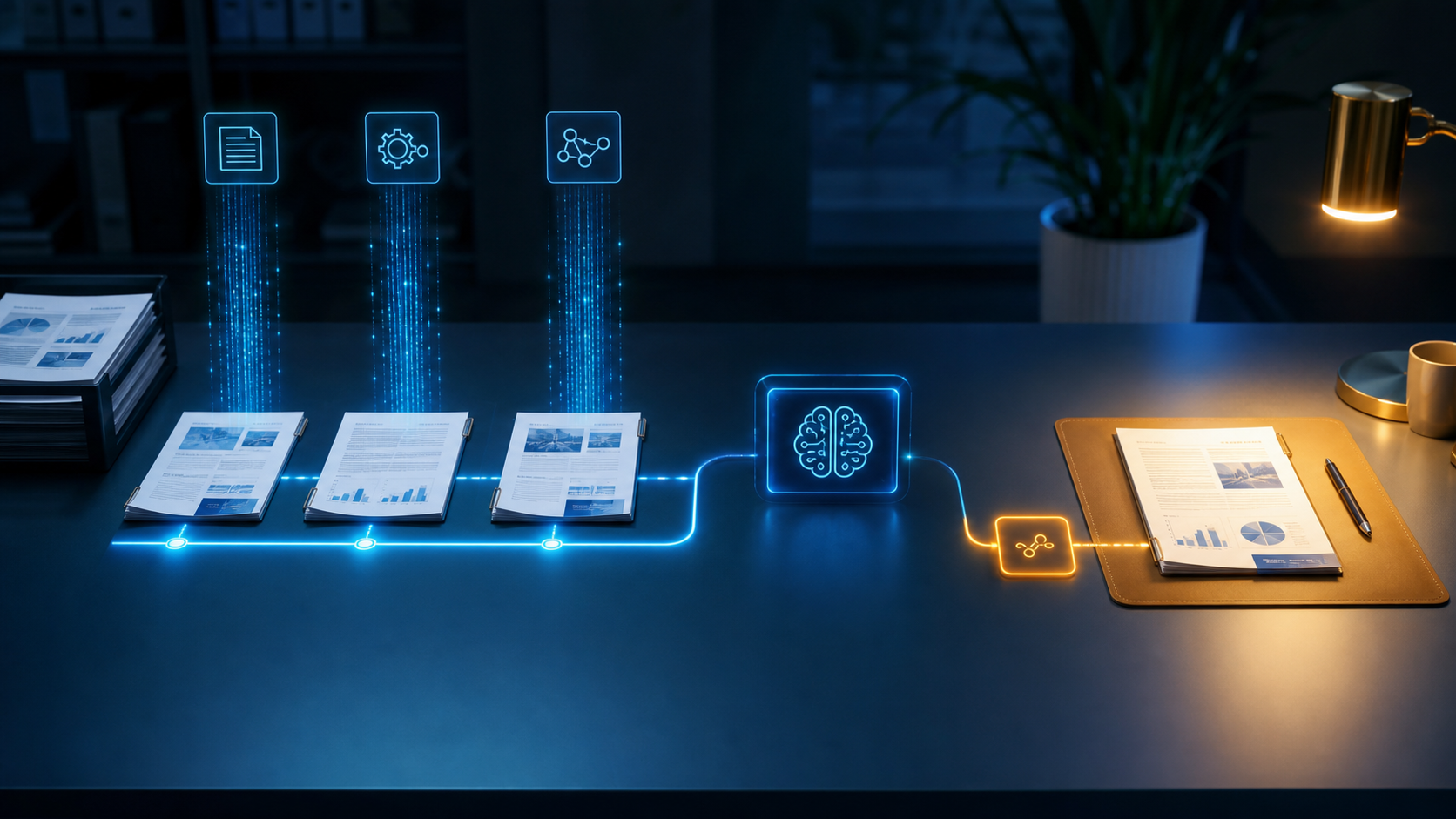
An automation that checks the work looks for evidence that the expected result actually happened. It compares totals, confirms required fields, tests a customer journey, identifies unusual results or warns somebody when two systems disagree.
The distinction matters because the two jobs carry different risks. A system that performs an action needs permission to affect live work. A system that observes and reports can often be introduced with a smaller blast radius. It helps the business understand the process before deciding how much control to hand over.
This does not make checking automation a lesser form of automation. In some environments, it protects more value than the action itself.
Silent Failures Are Often the Expensive Ones
A complete failure is usually visible. A page will not load, a file is not produced or a task stops with an error. Someone investigates because the problem is obvious.
Partial failures are harder. Most of the process succeeds, so the result looks trustworthy. One item is missing from a batch. One calculation uses the wrong source. One branch of a workflow behaves differently from the others. The error can then travel into reporting, customer communication or a later operational decision.
A recurring lesson from maintaining live automation is that success messages are not enough. A process saying it ran is not the same as proving it produced the right outcome.
Useful checks look beyond technical completion. They ask whether the expected number of records arrived, whether totals reconcile, whether required outputs exist and whether the result still makes sense compared with normal activity.
Automated Testing Is One Form of Business Protection
Software teams have used this principle for years. A smoke test does not build the product or make the release. It checks that the most important journeys still work after something changes.
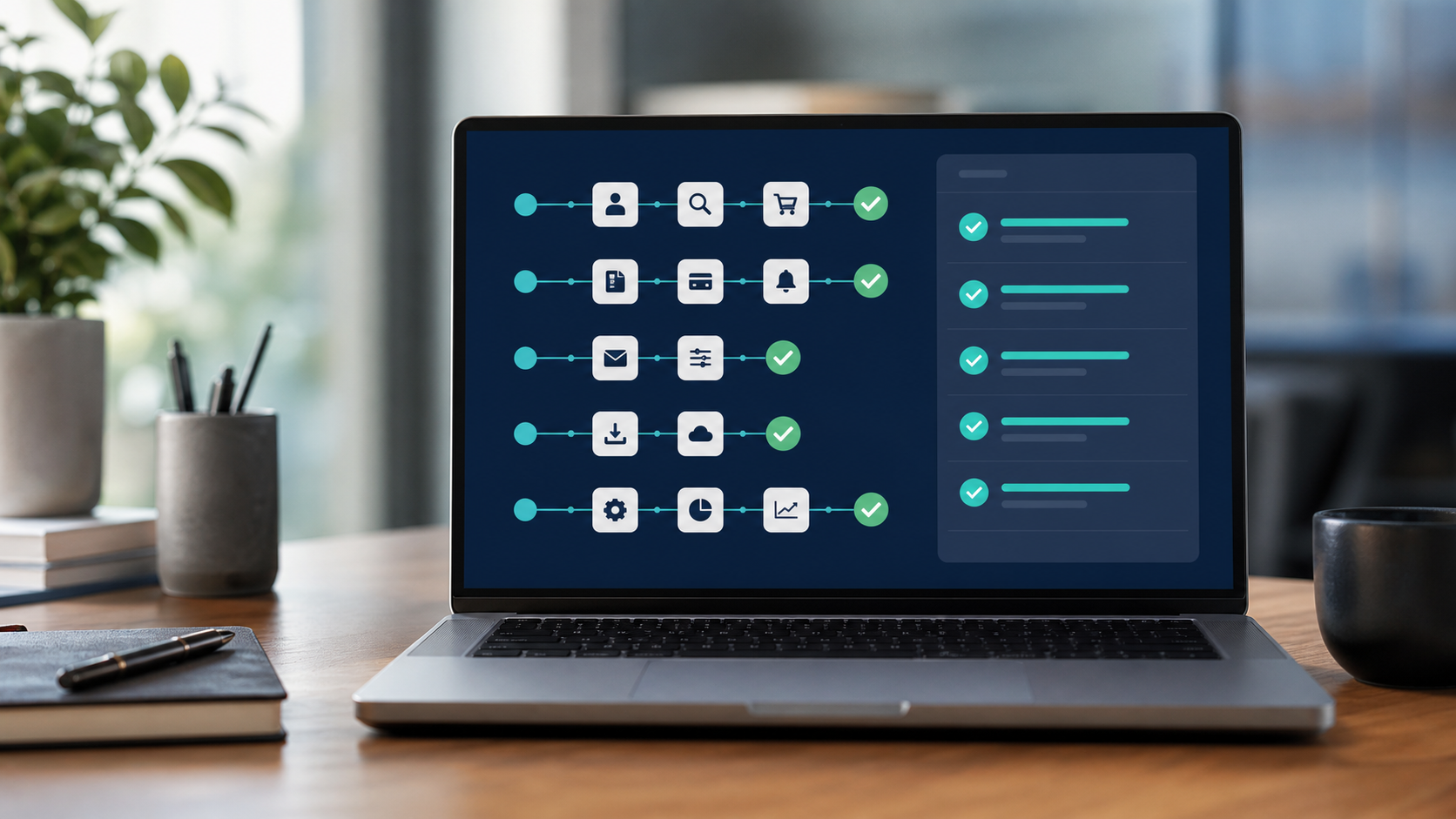
That might mean confirming that a user can sign in, submit a form, open a key screen or complete a transaction. The test is valuable because those journeys can break even when the release process itself reports success.
The same thinking applies outside software delivery. A finance workflow can check that two totals reconcile. An operations process can flag records that stopped between systems. A document workflow can confirm that mandatory sections are present. A sales process can identify enquiries with no owner or follow-up date.
The purpose is not to replace every judgement. It is to make omissions and inconsistencies visible before they become expensive.
Checking First Can Be the Faster Route to Better Automation
Trying to automate an entire process immediately forces a business to settle every rule, exception and permission at once. That is difficult when much of the real process lives in people's experience rather than formal documentation.
A checking layer can start with a narrower question: what evidence tells us this work is correct?
Building that layer exposes how the process actually behaves. It shows which exceptions are common, which data can be trusted and where human decisions still matter. The business gains protection immediately while collecting the knowledge needed for deeper automation later.
This approach is particularly useful when the work is important but variable. A person can continue handling judgement-heavy cases while the checker deals with the repetitive verification around them.
A Good Checker Produces Decisions, Not Noise
Poor monitoring creates a new admin problem. If every minor variation generates an alert, people stop paying attention. A useful checker is designed around action.
Start by defining what correct looks like. That may be a matching total, a required status, an acceptable response time or a short set of critical steps that must succeed.
Then define the exception. The checker should explain what differs, why it matters and where somebody can inspect the evidence. An alert that only says "something failed" still leaves a person to repeat the investigation from the beginning.
Finally, give the exception an owner. The system should know whether to create a task, notify an operations manager, hold a batch for review or record a low-risk variation for the next scheduled check. Without a response path, monitoring only produces information.
Keep Evidence of What Was Checked
When a process matters to customers, money or reporting, the business should be able to see what happened after the event.
A simple audit trail can record when the check ran, which inputs it examined, what result it expected, what it found and whether a person intervened. This helps with investigation, but it also improves the automation over time. Repeated exceptions reveal where the underlying process is weak or where the checking rules need adjusting.
The evidence does not need to become a complex analytics platform. A clear log, a small dashboard or a structured exception report may be enough. The goal is to replace "we think it worked" with something the business can verify.
Know When the Checker Is Ready to Do More
Once a checker has run across enough real work, some exceptions will become predictable. The business may discover that certain cases can be corrected automatically, while unusual or high-risk cases should still go to a person.
That creates a safer route towards fuller automation. The system can begin by observing, then recommend an action, then carry out low-risk corrections with clear limits. Each increase in autonomy is based on evidence from the live process rather than confidence from a demonstration.
The end result may still be highly automated. The difference is that control expands because the business understands the work, not because the technology looked impressive in a pilot.
Look for the Unchecked Process
The next valuable automation opportunity may not be the most manual task in the business. It may be the process everybody assumes completed correctly because nobody has time to inspect it.
Look for work that crosses systems, depends on complete data, affects customers or creates downstream reporting. Ask how the team currently knows the outcome is correct. If the answer is "somebody usually notices", there may be a strong case for an automated checking layer.
Birdcage Tech designs practical automation around real operational risk. Sometimes that means removing repetitive work. Sometimes it means adding the checks, evidence and exception handling that allow the business to trust the work already being done.