
Most businesses have important processes that are far better understood by the person doing the work than by anyone reading the official documentation. The process may technically live in a checklist, a shared folder or an old training document, but the real version is usually spread across browser tabs, email habits, spreadsheet shortcuts and small decisions that an experienced employee makes without thinking about them.
This is one reason business automation can be difficult to scope. A manager knows that a task takes too long, and the person responsible knows how to get it done, yet neither has a complete picture of every step, exception and dependency. Ask someone to write the process down and they will often describe the clean version. Sit beside them while they do the job and a much richer workflow appears.
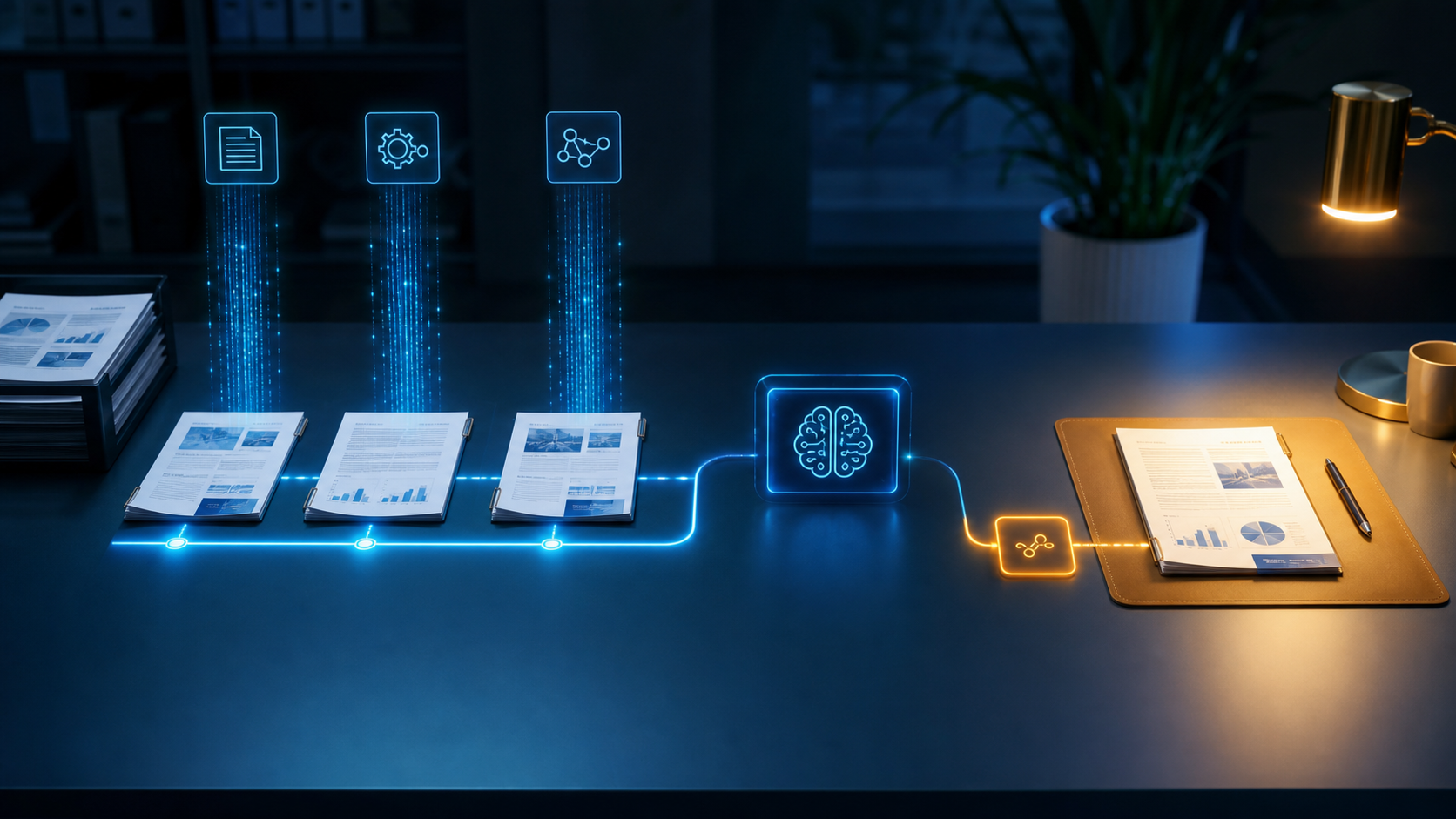
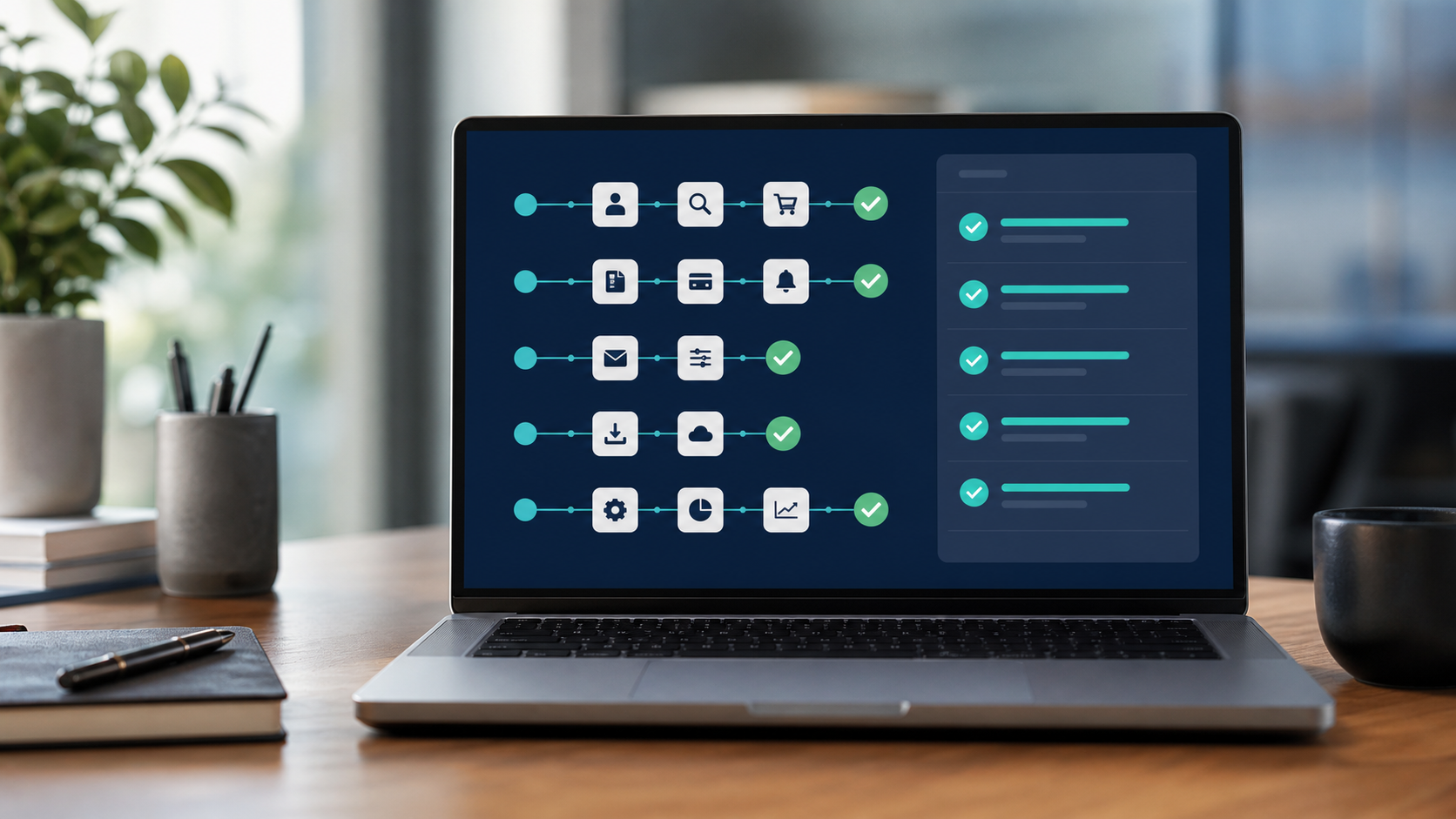
OpenAI has recently introduced a feature that reflects this idea. Record & Replay in Codex allows an eligible user to demonstrate a stable, repeatable workflow once and turn that demonstration into a reusable skill. During the recording, Codex observes the actions and window content needed to learn the task, then uses that captured pattern to guide similar work through Computer Use, browser actions and connected tools.
Initial availability is limited to eligible users on macOS and currently excludes the UK, European Union and Switzerland, so this is not a feature most British SMEs can put into production today. The more interesting point is the direction it represents. AI tools are beginning to learn work by observing how people complete it, which could make automation discovery much more accessible to businesses that have never produced perfect process documentation.
The Real Process Is Usually in the Doing
Consider a weekly management report. On paper, the task might be described as exporting figures, updating a spreadsheet and sending the report. In practice, the person doing it may download information from three systems, rename files in a particular way, correct a known formatting problem, remove duplicate records, compare one figure with last week's result, chase a colleague when a value looks wrong, then rewrite the summary depending on who will read it.
Those extra actions are not noise around the process. They are the process. They explain why the task takes two hours instead of twenty minutes, why a handover is difficult, and why a basic automation built from the official instructions may fail as soon as it meets real data.
Watching the work exposes details that interviews often miss. It shows where somebody pauses to make a judgement, where data has to be copied between systems, where the same correction happens every week and where the person relies on knowledge that has never been written down. Those are precisely the details needed to decide whether a workflow can be automated safely and where human approval still belongs.
A Recording Is Evidence, Not a Finished Process
There is an obvious temptation to treat workflow recording as instant automation. Record the employee once, let the AI copy the steps, and assume the job has been solved. That approach will work for some narrow, stable tasks, but many business processes contain more variation than a single demonstration can reveal.
One customer may submit a complete form while another leaves important fields blank. A supplier invoice may normally arrive as a clean PDF, then appear as a photograph, a spreadsheet or an attachment buried inside an email chain. A report may follow the same route every week until a system is unavailable or a manager asks for a different breakdown. Repeating the visible clicks does not explain how those exceptions should be handled.
The useful role of a recording is to create evidence. It gives the business a concrete starting point that can be reviewed with the person who owns the work. From there, the workflow still needs its inputs, rules, exceptions, outputs and approval boundaries made explicit. The business also needs to decide what happens when information is missing, a screen changes, a result looks wrong or the automation reaches an action that could affect a customer.
This is where process design still matters. AI can make capturing the happy path much faster, but reliable automation depends on the unhappy paths as well. A workflow that succeeds eighty times and quietly damages twenty records is not a useful system, even if the demonstration looked flawless.
Start With Work People Can Show Clearly
The best candidates are stable tasks performed frequently enough that the time saving matters. Client onboarding, recurring reports, document checks, CRM updates, order administration and routine reconciliations are common examples because the work often follows a recognisable pattern while still containing enough manual effort to justify improvement.
A sensible discovery session would ask the employee to complete the task using a realistic example while explaining what they are checking and why. A second example should include something awkward or incomplete, because that is where hidden rules tend to surface. The aim is to capture the route through the systems and the decisions around it, rather than collecting a polished demonstration designed to make the process look simpler than it is.
Once the workflow is understood, the automation can be divided according to risk. Gathering information, preparing a draft, checking formats and flagging missing data may be safe to run automatically. Sending a customer message, changing a financial record or committing the business to an outcome may need explicit approval. The boundaries should reflect the consequence of a mistake, not how impressive fully autonomous software sounds in a demonstration.
Recording Work Also Records Data
OpenAI advises users to keep Record & Replay demonstrations focused and avoid entering secrets or sensitive data while recording. That warning applies to any system that learns from screen activity. A normal business workflow may expose customer details, employee information, account numbers, internal pricing, passwords or commercially sensitive documents without the person demonstrating it giving those details much thought.
Businesses therefore need to prepare examples before recording. Test data should be used where possible, credentials should never be typed into a captured session, and unnecessary windows or notifications should be closed. The resulting workflow also needs to inherit the same access controls that would apply to the employee performing the task. Observing more of the business than the job requires does not make the automation better; it only increases the amount of information placed at risk.
The Opportunity for Smaller Businesses
Large companies can spend months documenting processes before an automation programme begins. Smaller businesses rarely have that luxury, and they often do not need it. Their advantage is that the people doing the work are usually close to the people making the decision, which makes it possible to observe a process, identify the expensive parts and test an improvement quickly.
Tools that learn from demonstrations could shorten that discovery stage considerably. They could help turn practical knowledge into a reusable starting point without asking an experienced employee to become a process analyst or write a perfect operating manual. The technology will still need supervision, testing and maintenance, but the distance between recognising repetitive work and building something useful may become much shorter.
That is the valuable lesson behind Record & Replay, even before it becomes available in the UK. The automation opportunity is often already visible on somebody's screen. Capturing it properly means watching the real work, understanding the judgement around it, and designing a system that handles more than the easiest example.
Birdcage Tech helps growing businesses find and automate the manual workflows that consume time every week. A practical starting point is one repeated process, demonstrated using real operating conditions, then rebuilt with clear exception handling and human approval where the consequences matter.
Source: OpenAI Help Centre, "Using Codex with your ChatGPT plan": https://help.openai.com/en/articles/11369540-using-codex-with-your-chatgpt-plan